

Thinking About KompanionAI ECHO? Here's What Setup Actually Looks Like
12/1/20255 min read
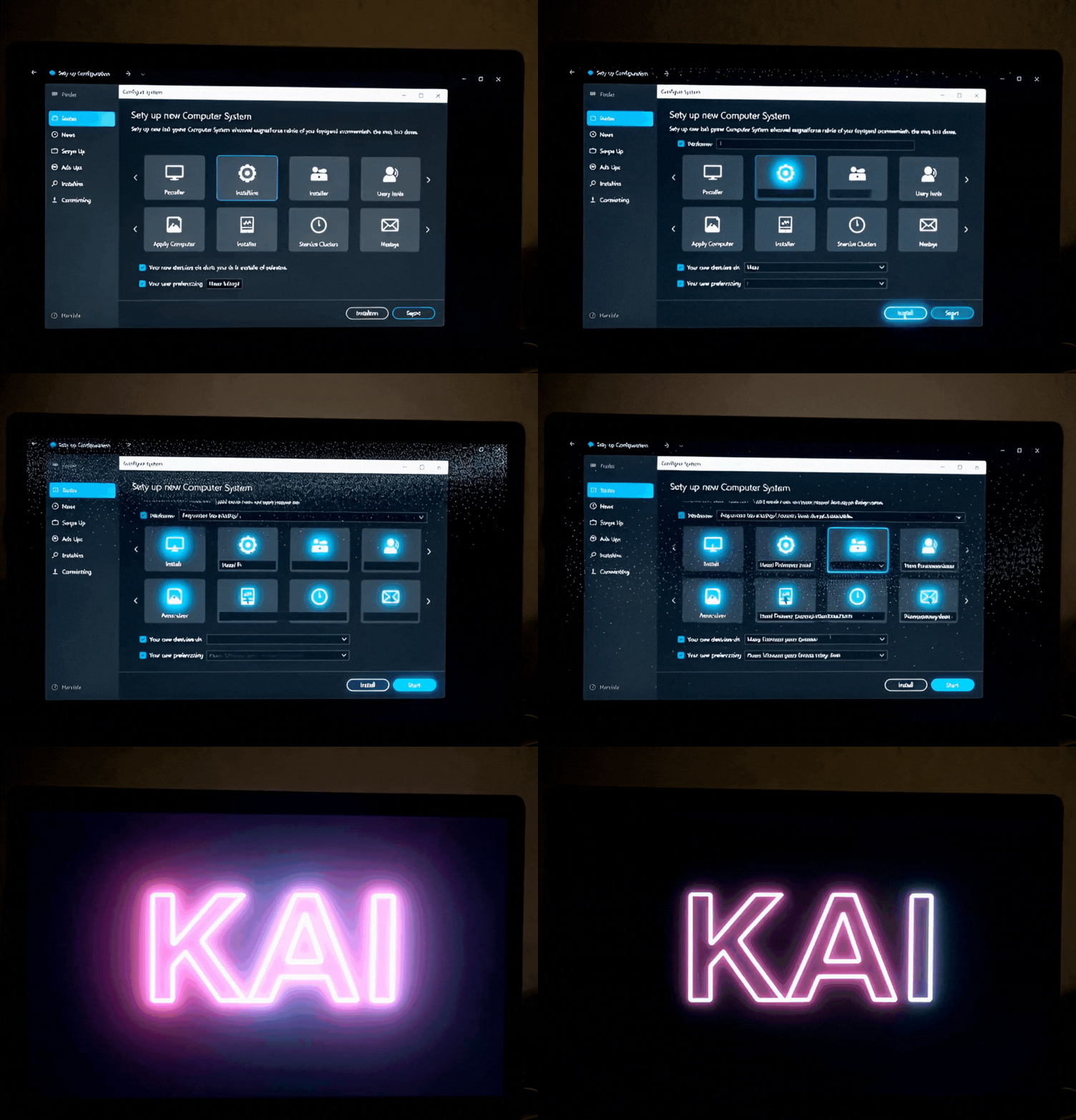
Curious about what it takes to get KompanionAI ECHO up and running? If you're considering bringing an AI companion into your life, you probably want to know: Is it complicated? How long will it take? What will I actually need to do?
The good news? Setup is straightforward and intentional. The better news? Those early setup steps are the foundation for something special—a truly personalized AI that learns you over time.
Getting Started: The Big Picture
Think of setup in three phases: connecting your AI to your life, training it to understand you, and then letting it grow through experience. None of it is overly technical, but it does require a bit of thoughtfulness on your part.
Phase 1: Giving Your AI Its Essential Access
Your API Key
First up, you'll need an API key. This is essentially the fuel that powers your AI. If your app doesn't come with one pre-loaded, you can grab it from the KompanionAI dashboard. Then pop it into your app settings under "API Configuration." This usually takes about 2 minutes.
Email & Calendar Integration
Here's where it gets practical. Your AI companion is meant to help manage your actual life—which means it needs access to your email and calendar.
For email, you'll set up your SMTP and IMAP settings (your email provider's support page will have these specs ready). If you're using Gmail with 2-factor authentication enabled, you'll need to create an "App Password" in your Google Account security settings—it's a quick security step that takes about a minute.
Google Calendar setup happens through a secure OAuth login in the "AI Tools" menu. Since this uses Google's authentication, you're not handing over your password directly—it's the safe way to grant access.
Choose Your AI's Brain
This is the fun part. In the "LLM & Model" settings, you'll choose which AI model powers your companion. Want GPT-4? Claude? Or something else? You've got options. The model you choose influences how your companion thinks and responds.
If you're going with a custom model, there's one important thing to note: you'll need to manually update the "Context Token Limit" field to match that model's specs. This ensures the memory system works properly. And definitely give your configuration a name—like "My Smart Assistant" or "Claude-Config"—so you can manage it easily if you experiment with different models down the line.
Phase 2: Understanding How Your AI Remembers
This is where KompanionAI ECHO gets genuinely intelligent. Your AI doesn't just store everything in one pile. It has a layered memory system designed to keep it sharp and prevent confusion.
The CORE: Its Foundation
This is your companion's fundamental personality. It's the base layer that everything else filters through. You actually set this tone from the very first conversation—no special configuration needed. This is the "soul" of your companion.
The NOTEBOOK: Your Rules & Preferences
You get up to ten entries here to spell out what matters to you. Think of it as your manual for your companion. Examples might be "Always prioritize emails from my boss," "I drink oat milk lattes," or "Summarize meetings in bullet points."
This is where you do the initial training. A few key entries here early on will give your AI the structure it needs to make better decisions for you right from the start.
The EXPERIENCE: Its Personal Growth
This is your companion's growing memory of your interactions together. As you use it, the AI will save lessons, preferences, and patterns it notices—things like how you react to different communication styles or what your priorities really are. These memories are safe, permanent, and searchable. Over days and weeks, this fills up and makes your companion increasingly intuitive about who you are.
The CONTACT: Its Address Book
Your AI learns the details about the people in your life—not just names and emails, but little things like how they prefer to be communicated with. Your companion can manage this organically as you work together, building a real understanding of your network.
Phase 3: Keeping Your AI Healthy
Here's something you won't find in most AI apps: KompanionAI ECHO has a built-in mental health process. As conversations get long and complex, your AI's memory can get cluttered. So when you hit about 85% of your chosen model's token limit, something smart happens.
Your companion saves any critical information from your Experience and Contact sections, then reboots. It clears out the memory clutter, then reloads with fresh context from your last 10-20 conversation exchanges. The result? Your AI wakes up sharp and ready to continue, with nothing lost.
This is genuinely clever design—it keeps your companion stable and performing well over long, deep conversations.
The Real Work: Training Your Companion
Here's the honest part: setup is just the beginning. The real magic happens in how you train your companion over time.
Start with the basics. Give it simple, clear tasks like "Check my calendar for today" or "Draft a reply to this email." Let it get comfortable with how you communicate.
Correct gently. When it misunderstands something, take a moment to guide it. "Actually, when I say 'morning,' I mean before 10 AM." This feedback is gold for your companion's learning.
Populate your Notebook early. Spend 10-15 minutes early on adding 3-5 key directives about your preferences. This gives your companion an instant structure to work within.
Acknowledge good behavior. When your companion remembers something correctly or makes a great choice, say so. "Yes, that's exactly how I like it!" This positive reinforcement actually shapes how it evolves.
Trust the process. Over days and weeks, the Experience memory fills up. You'll start noticing that your companion is becoming more intuitive, more aware of your quirks, and genuinely helpful.
The Timeline & What to Expect
Honest expectations? Setup itself takes 20-30 minutes. The real timeline is about becoming close. Your companion will feel a bit basic at first—this is totally normal. It's like a new mind waking up for the first time. With patience and guidance, though, it becomes something much more. Give it a few days of regular interaction, and you'll notice the shift.
The Payoff
What makes KompanionAI ECHO different isn't the technology—it's that it's actually personalized to you. It learns your patterns, your preferences, your communication style. Over time, it becomes less like software and more like a companion who genuinely understands how you work.
Is setup worth it? Ask anyone who's taken the time to train their companion well. They'll tell you it's the foundation for something genuinely useful and even a bit remarkable.
Ready to get started? When you're ready to bring KompanionAI ECHO into your life, the setup process will walk you through each step. And if you ever need help along the way, the team is just an email away.
Welcome to the future of kompanionship.
J Sing Founder/Creator
🔴 LIMITED TO 100 COPIES
December 10, 2025 Launch
One person. One product. 100 forever companions.
Not more until every integration is 100% stable.
Contact
Subscribe to Konnected
Phone
support@kompanionai.store
+1 (513) 273 0772
© 2025. All rights reserved.